
Start your first run
- Select Play now. The game downloads only after you start.
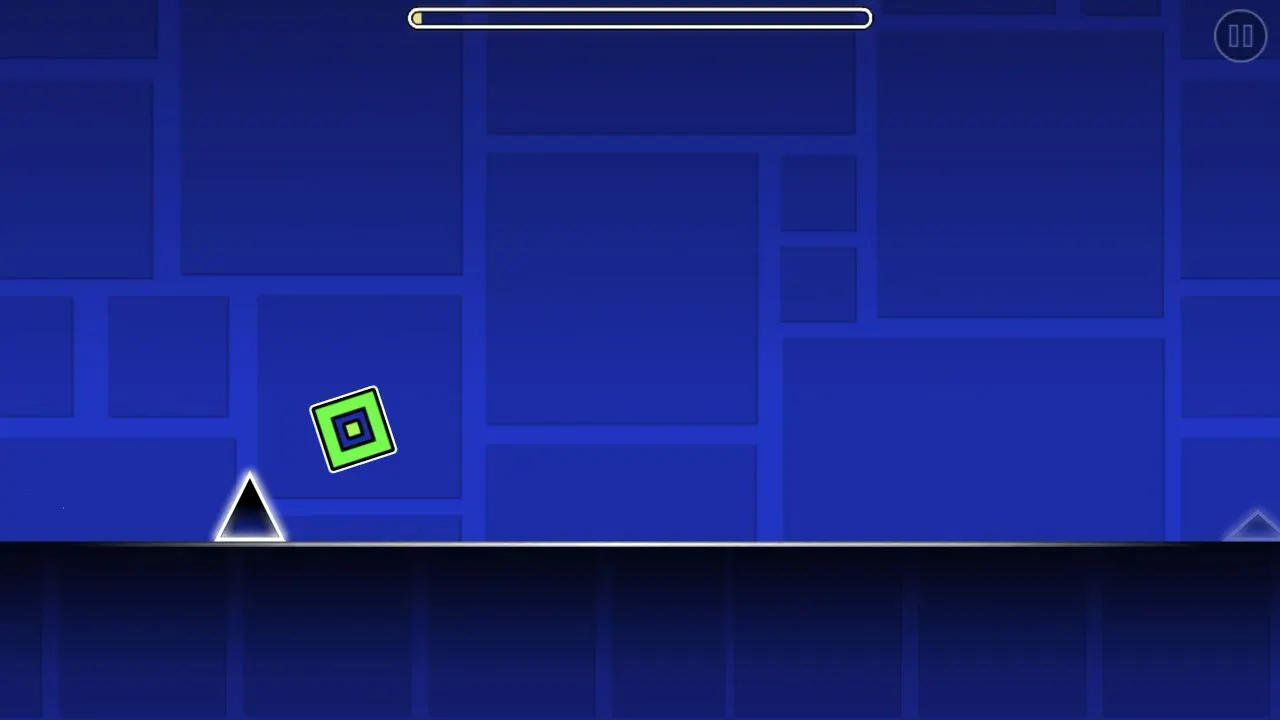
- When the game menu appears, select its play button, then choose Stereo Madness in the level selector.
- Click inside the player to focus it. Use a mouse click or Space to jump over the first spike.
- After a collision, watch the next attempt and adjust that jump a little earlier or later.
The character moves forward automatically. Your first task is to clear an obstacle and land on open ground. The Geometry Dash Lite beginner guide explains how to judge the jump and landing.
Mouse, keyboard and touch
Left click and Space both jump on desktop. Keep the player focused so Space does not scroll the page. On a compatible touch device, try a short tap inside the game, away from approaching obstacles. See keyboard and touch controls for focus and fullscreen help.
On phones, landscape offers more room but is optional. Graphics support and memory determine whether the game can run. If fullscreen is unavailable, keep playing in the normal player.
About the game on this page
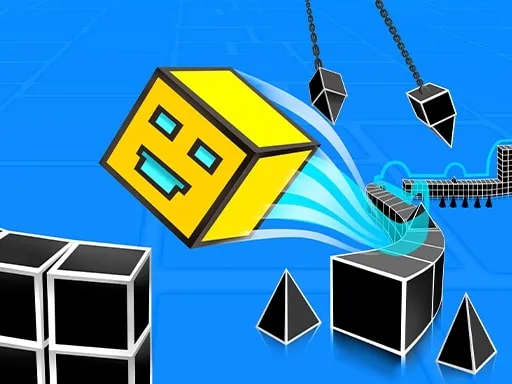
This is Geometry Dash Lite for the browser, with a game menu and level selector that includes Stereo Madness. It is hosted on an independent website. Features can differ from other Geometry Dash releases; there is no website account or cloud save service. Read about this site for version details.
Make the next attempt useful
Watch the front of your cube and the next spike. If you hit its front edge before rising, jump a little earlier. If you come down onto it, try a little later. Keep the same input and change just one jump at a time. Use the in-game retry after a collision; the website’s Restart game button reloads the whole session.
Loading or sound trouble?
A WebGL message means the browser could not provide the graphics support the game needs. Try an updated browser with graphics acceleration enabled. For a failed download, check the connection and use Retry loading. Loading continues while new data arrives; a slow download is not timed out just because it takes several minutes.
Click or tap inside the game to allow audio, then check whether your browser tab is muted and check your device volume. In the game’s settings, check the Music and SFX sliders. For more steps, open loading, sound and fullscreen help .
Frequently asked questions
What version can I play here?
You can play Geometry Dash Lite in the player on this page. This independent website is not the official game website and does not offer the full commercial release.
Does the game download immediately?
No. Select Play now to download the game (about 31 MB) and the audio it needs. Music and effects are requested by the game, not preloaded by this page. Your browser may reuse cached files on later visits.
How do I jump?
On desktop, click inside the game to focus it, then use a left mouse click or Space to jump. On a supported touch device, try tapping inside the game. Mobile compatibility varies.
How do I try again after a crash?
Let the game return you to the next attempt and adjust one jump. You do not need to reload the website after each collision. Restart game is for reloading a stuck session; it ends your current run.
Can I play on my phone?
You can try the game on a phone with WebGL support. This older game may not run reliably on every mobile browser. Landscape gives you more room; portrait access is still available.
Why is there no sound?
Click or tap inside the game to allow audio. Check whether the browser tab is muted, check your device volume, and open the game’s settings to check Music and SFX. See the troubleshooting guide if sound still does not play.
Will my progress follow me to another device?
There is no website account or cloud sync. Browser storage should not be treated as a backed-up save.