Play Geometry Arrow 2 online
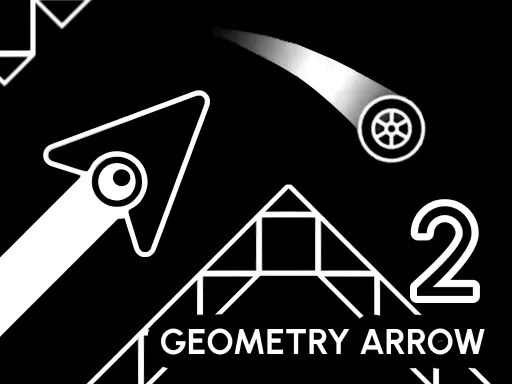
Geometry Arrow 2 switches between Arrow and Wheel segments on the route to a portal. Those changes make it a useful next step after a single-style wave game: the same timing habit may need adjusting when the character changes.
How to Play
- Choose a level from the main menu.
- Press Space or the left mouse button to move or jump; touch players can tap.
- Watch for a change between Arrow and Wheel sections. Esc leaves a level on desktop.
Controls
Space or left mouse button to move or jump; Esc to leave a level. Tap on touchscreens.
A useful first attempt
Use the first attempt at a new segment to learn how that character responds. Do not keep holding a control simply because it worked in the previous section.
About this version
This game is delivered by GameDistribution. The controls and game description follow its platform listing. This is a separate game, not an official Geometry Dash release or another name for the Lite game on our homepage.
The provider controls availability, advertising and in-game storage. Its loading screen may take a moment after the game window opens. Click inside the game for keyboard focus and sound. Restart reloads the entire session; Close removes the game window. Mobile support can vary by browser.
Third-party games and privacy · Browse all games · Back to Geometry Dash Lite