Play Geometry Vibes 3D online
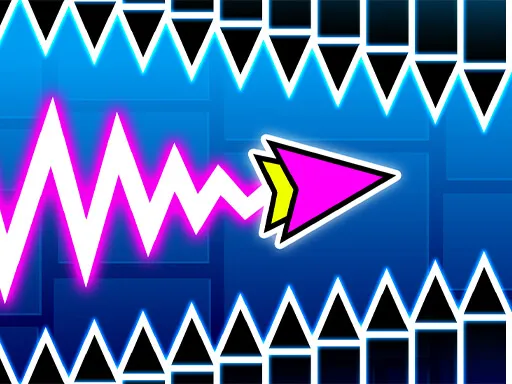
Geometry Vibes 3D brings geometric obstacles into a three-dimensional scene. Its controls remain compact, with several keyboard or mouse options for the first player and a separate key for local two-player play.
How to Play
- Choose a solo or two-player option in the game.
- Player 1 can use W, Space or the left mouse button; Player 2 uses Up Arrow.
- On a touch device, use the game’s tap controls and follow its on-screen prompts.
Controls
W, left mouse button, or Space for player 1; Up Arrow for player 2. Tap on touchscreens.
A useful first attempt
Choose one of the available first-player inputs and stick with it while learning a route. Switching between W, Space and the mouse can make your timing harder to compare.
About this version
This game is delivered by GameDistribution. The controls and game description follow its platform listing. This is a separate game, not an official Geometry Dash release or another name for the Lite game on our homepage.
The provider controls availability, advertising and in-game storage. Its loading screen may take a moment after the game window opens. Click inside the game for keyboard focus and sound. Restart reloads the entire session; Close removes the game window. Mobile support can vary by browser.
Third-party games and privacy · Browse all games · Back to Geometry Dash Lite